
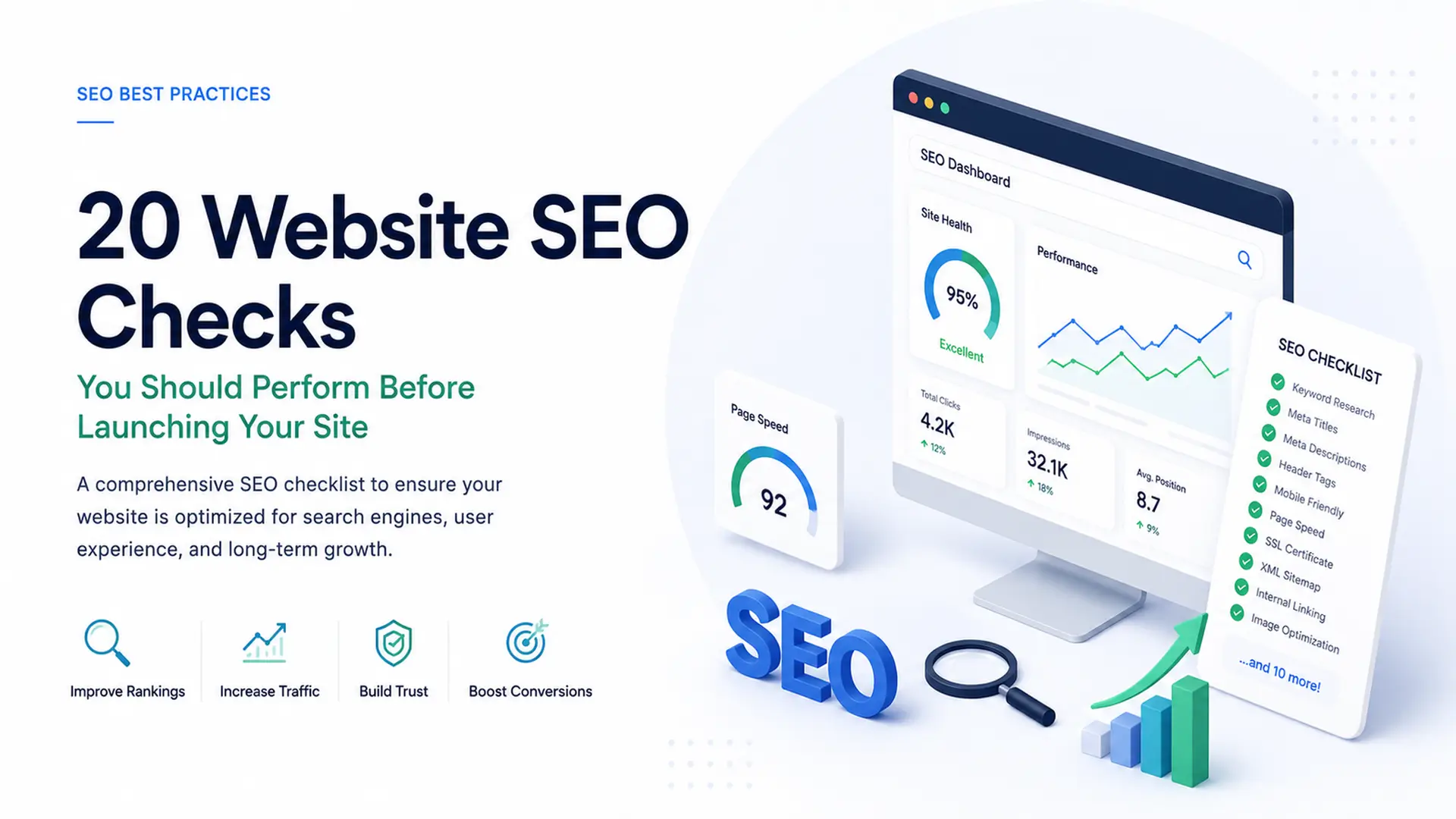
Launching a new website is an exciting milestone for any business. You have spent weeks or even months perfecting the design, writing compelling copy, and polishing every single page. However, pushing your site live without checking its Search Engine Optimization (SEO) foundation can lead to immediate drops in search visibility, broken user journeys, and lost revenue opportunities.
Search engines evaluate your site the moment their bots crawl it. If your technical setup is flawed or your content lacks proper optimization, ranking high on search results will become an uphill battle. To ensure your digital launch goes off without a hitch, here is a comprehensive checklist of 20 critical website SEO checks you must perform before launching your site.
Table of Contents
A. Technical SEO Checks
Technical SEO ensures that search engines can easily crawl, index, and understand your website structure. If your technical foundation is weak, your content will struggle to rank.
Crawlability and Indexability
1. Check the Robots.txt File: Ensure your robots.txt file is not blocking search engine spiders from crawling critical pages. During development, developers often block search engines. Make sure to remove disallow rules for live pages before launch.
2. Inspect the Noindex Tags: Double check that your live pages do not contain <meta name=”robots” content=”noindex”> tags. Leaving this tag active will prevent Google from displaying your pages in search results.
3. Generate and Submit an XML Sitemap: Create a clean, updated XML sitemap that includes all indexable pages. This roadmap helps search engine bots discover your content immediately.
URL Structure and Security
4. Enforce SSL and HTTPS Security: Security is a major ranking factor. Ensure your SSL certificate is properly installed so all visitors access your site via https:// rather than http://.
5. Set Canonical Tags: Implement canonical tags on all pages to prevent duplicate content issues. This tells search engine crawlers which version of a URL is the primary master copy.
How Rife Media Solutions Can Help: Technical SEO can quickly get overwhelming with complex coding requirements. At Rife Media Solutions, our dedicated SEO and web development experts set up clean code structures, handle canonicalization, and verify crawlability so your site launches with zero technical flaws.
B. On Page SEO and Content SEO Checks
On page elements tell both search engines and human readers what your individual web pages are about. Optimizing these factors ensures your content targets the right keywords effectively.
Metadata Optimization
6. Optimize Title Tags: Ensure every page has a unique title tag that stays under 60 characters and includes your primary keyword.
7. Craft Compelling Meta Descriptions: Write unique meta descriptions between 150 to 160 characters for each page. While not a direct ranking factor, strong meta descriptions boost your click through rate.
8. Use Proper Heading Hierarchy: Structure your content cleanly using a single H1 tag per page, followed by logical H2 and H3 subheadings.
Content and Keyword Placement
9. Check Keyword Placement: Ensure your target keywords appear naturally in the H1 tag, first 100 words of body copy, and relevant subheadings without keyword stuffing.
10. Fix Duplicate Content: Run your web copy through plagiarism and duplicate content checkers to verify that all text across your site is completely original.
| Page Element | Recommended Length | Best Practice |
| Meta Title | 50 to 60 characters | Include primary keyword near the beginning |
| Meta Description | 150 to 160 characters | Include target keyword and a strong call to action |
| H1 Tag | 20 to 70 characters | Keep it clear and aligned with page intent |
| URL Slug | Short and clean | Use lowercase letters separated by standard dashes |
C. User Experience and Performance Checks
Search engines prioritize user experience. If your site is slow or hard to navigate on mobile devices, your rankings will suffer.
Speed and Mobile Responsiveness
11. Optimize Site Speed: Test your site using performance tools like Google PageSpeed Insights. Compress large files, leverage browser caching, and minify code to lower loading times.
12. Ensure Full Mobile Responsiveness: Over half of all global web traffic comes from mobile devices. Verify that your site renders flawlessly on smartphones and tablets of all screen sizes.
13. Optimize Images and Alt Text: Compress all images to WebP format to save bandwidth. Add descriptive alt text to every image to improve accessibility and image search visibility.
14. Clean Up URL Structures: Verify that your page URLs are short, descriptive, lowercase, and easy for visitors to read. Avoid lengthy random parameters or special characters in URL slugs.
Fast Load Speed + Mobile Responsiveness = Higher Search Rankings
D. Site Architecture and Link Checks
A well organized site architecture makes it easy for visitors to navigate and for search engines to pass authority between pages.
Internal and External Links
15. Fix Broken Links: Test every internal and external link across your site. Broken links ruin user experience and waste crawl budget.
16. Establish Internal Linking: Link your new pages logically to one another using relevant descriptive anchor text. This helps pass link equity throughout your site.
17. Review 301 Redirects: If you are redesigning or migrating an existing site, map out 301 redirects from old URLs to new counterparts to preserve existing SEO authority.
E. Analytics and Legal Compliance Checks
Before driving traffic to your new site, you must set up proper tracking tools to measure visitor behavior and ensure full legal compliance.
Setup and Analytics Integration
18. Install Google Analytics 4: Verify that your GA4 tracking script is firing correctly on every page so you can track user behavior from day one.
19. Connect Google Search Console: Set up Google Search Console to monitor search performance, track indexing issues, and analyze search queries.
20. Add Legal and Compliance Pages: Ensure your site includes links to a Privacy Policy, Terms of Service, and a Cookie Consent banner to comply with global privacy regulations.
| Pre Launch Task | Primary Tool | Key Goal |
| Traffic Tracking | Google Analytics 4 | Measure traffic sources and user activity |
| Index Monitoring | Google Search Console | Detect crawl errors and submit sitemaps |
| Link Verification | Screaming Frog / Ahrefs | Identify broken links and 404 errors |
Partner with Rife Media Solutions: Building a successful website requires combining creative design with analytical precision. As a full service creative and digital agency based in Surat, Gujarat, Rife Media Solutions offers end to end services, including Strategic Planning, Web Design and Development, Content Marketing, and Search Engine Optimization.
With over 15 years of industry experience and more than 2,000 successful projects delivered, our team of 28 marketing experts ensures your website is beautiful, fast, and fully optimized to rank from day one.
Complete Launch Checklist Summary
| Check | Focus Area | Action Item |
| 1 | Technical | Audit robots.txt to unblock crawler bots |
| 2 | Technical | Remove accidental noindex meta tags from live pages |
| 3 | Technical | Generate and submit a fresh XML sitemap |
| 4 | Technical | Secure site with an active SSL certificate (https://) |
| 5 | Technical | Set self referencing canonical tags on all URLs |
| 6 | On Page | Optimize title tags under 60 characters with key terms |
| 7 | On Page | Write unique meta descriptions (150 to 160 characters) |
| 8 | On Page | Set clean heading hierarchy (H1, H2, H3) on every page |
| 9 | On Page | Place target keywords naturally in the first 100 words |
| 10 | On Page | Run a duplicate content scan across all web copy |
| 11 | Experience | Optimize loading speed, minify scripts, and cache assets |
| 12 | Experience | Test full mobile responsiveness on various devices |
| 13 | Experience | Compress images to WebP format and add alt text |
| 14 | Experience | Clean up URL slugs to be short, descriptive, and clean |
| 15 | Architecture | Audit all internal and external links to fix 404 errors |
| 16 | Architecture | Create logical internal links using descriptive anchor text |
| 17 | Architecture | Map out 301 redirects for any altered or old URLs |
| 18 | Analytics | Install and verify Google Analytics 4 tracking script |
| 19 | Analytics | Connect site to Google Search Console for monitoring |
| 20 | Compliance | Publish Privacy Policy, Terms, and Cookie Consent banners |
Frequently Asked Questions
1. Why is an SEO check important before launching a website?
Performing SEO checks before launching prevents search engine indexing errors, broken links, and poor site speeds that can harm your visibility and rankings from day one.
2. How long does it take for Google to index a new website after launch?
Indexing can take anywhere from a few hours to a couple of weeks, but submitting your XML sitemap through Google Search Console speeds up the process significantly.
3. What happens if I forget to set up 301 redirects during a site redesign?
Failing to implement 301 redirects leads to broken 404 errors, loss of user trust, and a severe drop in existing search engine authority and organic rankings.
4. Why is mobile responsiveness critical for website SEO?
Google uses mobile first indexing, which means it evaluates the mobile version of your content to determine search rankings for all users.
5. How can Rife Media Solutions help with my website launch?
Rife Media Solutions provides complete Web Design and Development along with Strategic SEO planning to ensure your site is secure, fast, and fully optimized for search engine rankings.